Municipal Asset Management Software for Canadian Cities
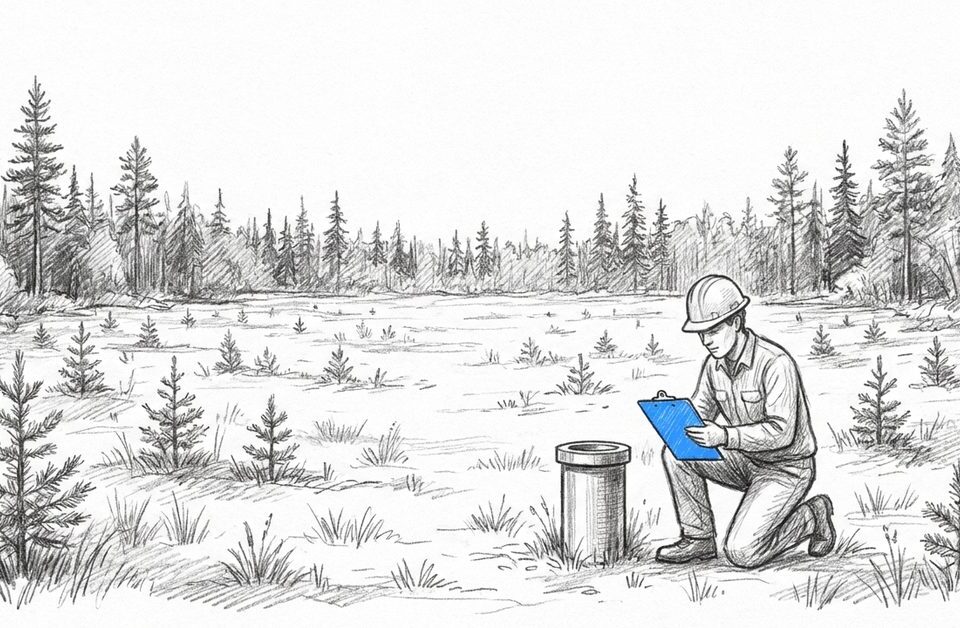
A small Canadian municipality runs on infrastructure that almost nobody can see at a glance. Roads and culverts, water and wastewater lines, a couple of bridges, the arena, the fleet. Every one of those assets has an age, a condition, a replacement cost, and a maintenance history, and keeping all of it in one place is exactly what municipal asset management software is for. In most small towns, though, that information still lives in a binder, a few spreadsheets, a consultant’s report from three years ago, and the memory of one person who has worked there for two decades.
That works until it does not. A culvert fails, a grant application is due, the long-serving operator retires, or the province asks for an asset management plan and the data behind it. The problem is that most of what gets pitched to a small town is enterprise software built for cities ten times its size, with the IT departments and budgets to match.
This guide covers what municipal asset management software actually needs to do for a small or mid-size Canadian city, how to right-size it instead of over-buying, how it ties to funding and asset management plans, and what changes once the data lives in one place.
At a Glance
- Municipal asset management software tracks the location, condition, value, and maintenance of public infrastructure (roads, water, bridges, facilities, fleet) in one place that field crews and finance can both use.
- Small and mid-size municipalities rarely need a full enterprise EAM. Those systems are built for large cities with IT departments and six-figure implementation budgets.
- For a small public works team, the bar that matters is field-usable: map-based, mobile, works offline, and readable by council and finance without training.
- Asset management plans now gate infrastructure funding, so the asset data underneath has to be current and defensible, not a stale spreadsheet.
- Across its environmental and gas-site program, the City of Medicine Hat consolidated 2,750 sites into one system, tripled one coordinator’s capacity, and avoided hiring two additional staff.
What Is Municipal Asset Management Software?
Municipal asset management software is a system that tracks the location, condition, value, and maintenance of public infrastructure in one place. Roads, water and wastewater lines, bridges, facilities, and fleet all live in a single register. Unlike a spreadsheet or a binder, it keeps each record current and visible to field crews, finance, and council at the same time.
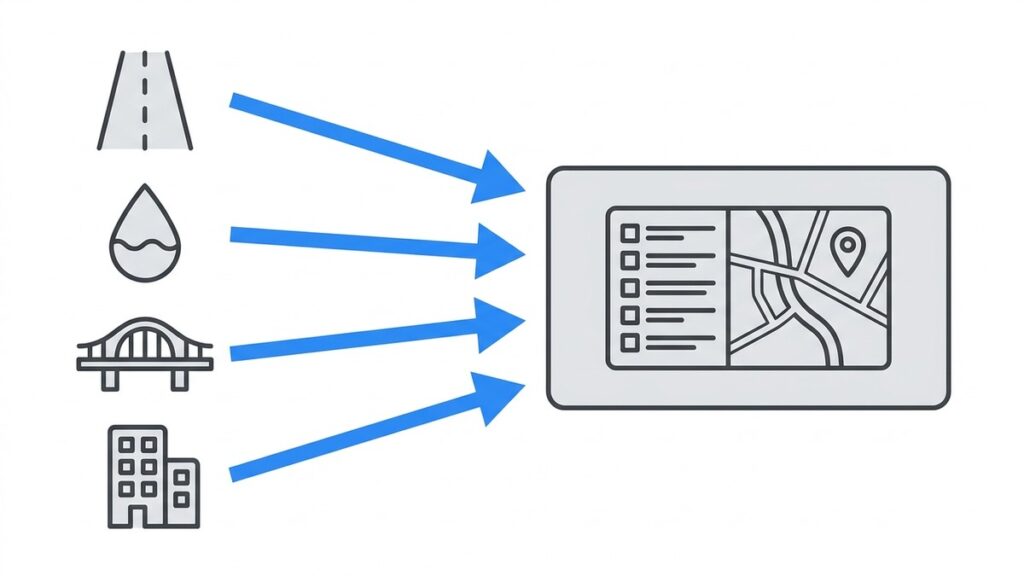
The job is not just storage. It is connection. A road segment has a condition rating, an inspection history, a replacement cost, and a place on a map. When those pieces sit in separate files, answering a simple question (what do we own, and what shape is it in) takes a week of digging. Good municipal asset management software keeps them attached to each other so the answer is always one search away.
This is different from a generic project management tool. Generic tools track tasks and deadlines. They were not built to hold an asset register, carry a condition rating forward year over year, or show every asset on a map-based view the way a public works team thinks about its town.
Why Do Small Canadian Municipalities Struggle With Asset Management?
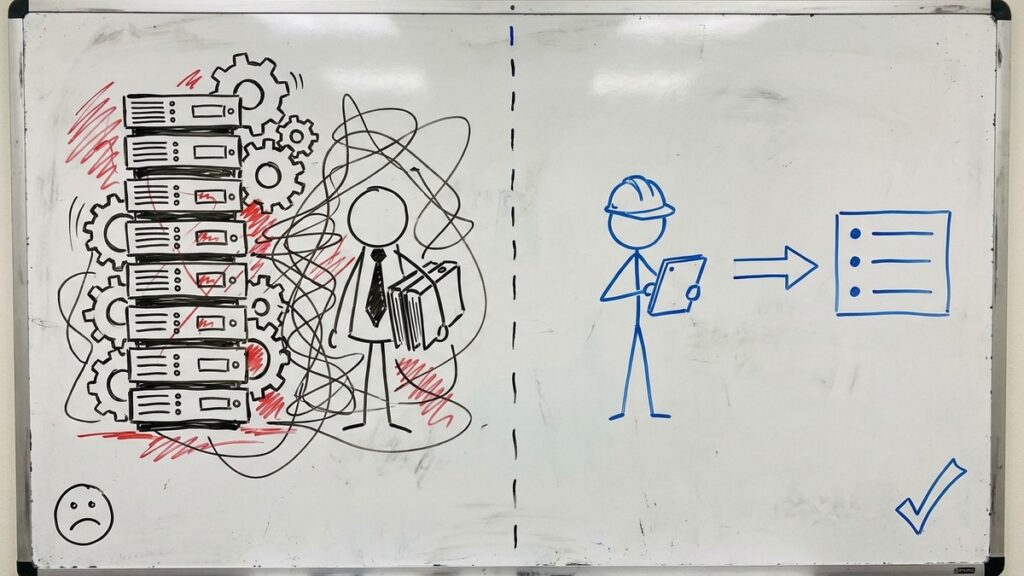
Small municipalities struggle because the work lands on very few people, the data arrives in many formats, and there is no budget for an IT team to wrangle it. One coordinator ends up holding roads, water, facilities, and consultant reports together by hand, usually in spreadsheets that only they fully understand.
The failure pattern is consistent. Records get scattered across personal drives and email. Version control breaks down the moment two people name the same thing differently. One person labels a folder “wellsite data” and another writes “well site data,” and now a complete record takes an afternoon to assemble instead of a minute. When the person who knows where everything lives is away or retires, the knowledge leaves with them.
It gets worse when outside consultants are involved. A town might receive condition assessments, environmental reports, and engineering data from several firms, each in its own format, on its own schedule. Without one place for all of it to land, staff spend their time chasing updates and reconciling files instead of actually managing the assets. The result is a team that manages data about the work instead of managing the work.
Do You Need an Enterprise EAM, or Is That Overkill for a Small City?
For most small and mid-size municipalities, a full enterprise asset management system is overkill. Enterprise asset management platforms are powerful, but they are built for large cities with dedicated IT staff, GIS analysts, and long implementation budgets. A three-to-ten-person public works team usually needs something lighter that crews will actually use.
The deciding factor is rarely features. Enterprise systems have more features than a small town will ever touch. The deciding factor is whether the people in the trucks and at the front desk will use it without a specialist sitting beside them. A system that needs a GIS analyst to update an asset, or a consultant to run a report, becomes shelfware the moment the implementation contract ends.
Here is how the two approaches compare for a small municipality.
Factor | Enterprise EAM | Right-Sized Municipal Software |
|---|---|---|
Built for | Large cities with IT and GIS departments | Small and mid-size municipalities without dedicated IT |
Implementation time | Months to a year, often consultant-led | Days to weeks |
Who can update an asset | Often a GIS or IT specialist | Any crew member in the field |
Field and crew usability | Powerful but complex, training-heavy | Map-based and intuitive, minimal training |
GIS dependency | Frequently requires a full GIS stack | Map built in, no separate GIS team needed |
Cost model | Six figures plus annual maintenance | Subscription scaled to a small budget |
Best fit | A large city coordinating many departments and asset classes enterprise-wide | A town or small city that needs current, usable asset data without an IT project |
The honest version of this is simple. If you are a large city running a full enterprise asset program, those platforms are the right tool. Right-sized municipal asset management software is built for the municipalities that those platforms overserve.
The enterprise giants are not the only option, either. There are lighter, municipal-focused tools in the middle of the market too. Among those, the deciding factor is rarely the feature list. It is whether the field crew and the office will actually use the same system, because an asset register only stays accurate if the people closest to the assets keep it current.
What Should Public Works Teams Look for in Asset Management Software?
The right public works asset management software is the one your crew will use in the field without being forced to. For a small team, that means it is map-based, works on a phone or tablet, captures data offline, and produces reports finance and council can read without a translator. Power matters less than adoption.
When you evaluate options, hold each one against the work as it actually happens, not as a demo shows it. The checklist that matters for a small public works department:
- A map-based asset register, so crews find assets the way they think about the town.
- Mobile and offline field capture, because the water main does not care whether there is cell service.
- Condition and lifecycle tracking that carries forward year over year, not a fresh spreadsheet each time.
- Maintenance scheduling and work history attached to each asset.
- Budget and replacement-cost visibility that finance can pull without a special request.
- Reporting that council and grant applications can use as is.
- Fast setup, so the value shows up in weeks, not after a year-long rollout.
The single best test is to put the tool in front of the person who will use it in a ditch in November, not just the manager in the office. The Fieldshare mobile application and project and asset tracking are built around that field-first reality rather than a desk-first one.
How Does Asset Management Software Support Infrastructure Funding and Asset Management Plans?
Asset management software supports funding because grants increasingly require a current asset management plan, and a plan is only as good as the data under it. Programs tied to the Build Communities Strong Fund (formerly the Canada Community-Building Fund) and provincial rules like Ontario Regulation 588/17 expect municipalities to show what they own, its condition, and a financial plan to maintain it.
A plan answers four questions, and each one is a data problem before it is a paperwork problem.
The asset management plan question | What the data has to show |
|---|---|
What do you own? | A complete, current asset register |
What condition is it in? | Condition ratings kept up to date, not assessed once and forgotten |
What will it cost to replace or maintain? | Replacement costs and maintenance history per asset |
How will the work be paid for? | A financial strategy that reconciles with real asset data |
When the asset data is current and connected, most of the plan can be built straight from the system instead of being rebuilt by hand every funding cycle. When the data is stale, the plan commits council to service levels and budgets built on numbers that were already out of date. The FCM Municipal Asset Management Program was created precisely because so many municipalities work from incomplete records, and the Canadian Infrastructure Report Card has repeatedly shown how much public infrastructure sits in fair-to-poor condition. The deeper provincial detail, including the Ontario rules, lives in our Ontario Regulation 588/17 asset management plan guide.
How Do You Move Municipal Asset Data Off Spreadsheets Without a Big Rollout?
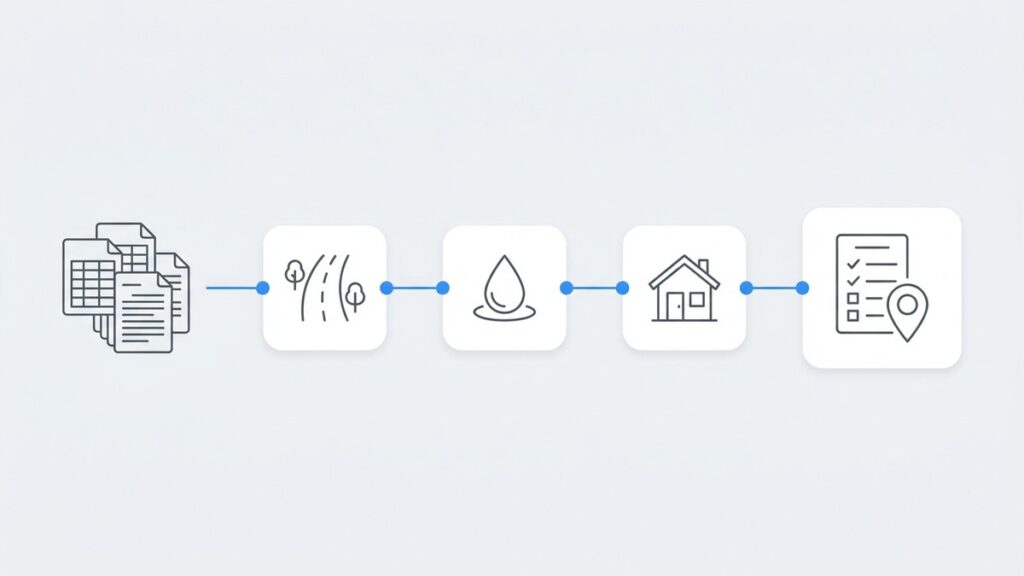
You do not move everything at once. You start with the one asset class that causes the most pain, import its register, get crews capturing in the field, and add condition and maintenance tracking from there. Proving it on one class first beats a year-long, all-at-once project that stalls.
Pick the asset class that eats the most staff time today, often roads or water, and stand it up first. Import the existing register so nobody starts from a blank screen, then get the field crew capturing updates directly instead of writing notes to be typed in later. Once that class is running cleanly, the next one is a copy of a process the team already trusts.
The migration is usually faster than people expect. The City of Medicine Hat had its historical site data imported into a working system in five business days, with hands-on help to configure it to their workflow. The reason adoption stuck was not the import. It was that the map-based view matched how the team already pictured their assets, so there were no nested folders to learn. When the tool fits the mental model, training time drops and crews stop working around it. If your current reality is a stack of spreadsheets, our breakdown of how spreadsheets fail covers the failure modes to design out.
What Changes When Municipal Asset Data Lives in One System?
When asset data lives in one system, a small team can manage far more without hiring. Records stay current without email chains, funding applications pull from real data, and the year-end scramble disappears. The clearest Canadian example is the City of Medicine Hat, where, in its environmental program, one coordinator went from struggling with 250 sites to confidently managing 750.
The City of Medicine Hat owns and operates its own natural gas utility, and its environmental team faced a problem any small municipality will recognize. A single coordinator, Tyler Britton, was responsible for consolidating data from 15 to 20 different consultants working across roughly 2,750 sites, each submitting information in a different format at a different time. The department needed more staff but had no budget to hire.
After moving everyone onto one map-based system of record, consultants entered data directly instead of emailing it in for manual processing. The results were concrete. Coordinator capacity tripled from 250 to 750 sites. The city avoided needing to hire two additional positions. And the administrative load dropped sharply. As Tyler Britton put it, “Fieldshare saves us 20 hours per week in administration and data maintenance, updating records, organizing project data, and reporting.” A year in, Medicine Hat credited Fieldshare with a 300% efficiency increase overall. Medicine Hat’s assets are wellsites, not roads, but the operating-model change is exactly what transfers: one current system of record turns a data clerk back into a manager.
Ready to see what municipal asset management software looks like for a team your size? Take a look at our municipal management software or book a demo and we will walk through the workflows that fit your asset mix and your budget.
Frequently Asked Questions
Municipal asset management software is a system that tracks the location, condition, value, and maintenance of public infrastructure such as roads, water and wastewater, bridges, facilities, and fleet in one connected register. It keeps each asset record current and visible to field crews, finance, and council at the same time, which a spreadsheet or binder cannot do reliably as a town grows.
Cost depends on the size of your asset base and how many people need access, but right-sized municipal software is sold on a subscription scaled to a small budget rather than the six-figure implementation an enterprise system requires. The more useful question is total cost: a stale spreadsheet that costs nothing can lose a grant or commit council to a service level the data cannot support.
An enterprise asset management system is built for large cities with IT and GIS departments and long implementation budgets. Right-sized municipal software is built for small teams without dedicated IT: map-based, mobile, fast to set up, and usable by any crew member. The difference is not power, it is whether your team will actually use it.
Yes. An asset management plan has to show what you own, its condition, replacement and maintenance costs, and a financial strategy. Software keeps that data current so the plan can be generated from the system instead of rebuilt by hand each funding cycle. The full Ontario detail is in our Ontario Regulation 588/17 asset management plan guide.
Yes, and that is the point of right-sizing. Software built for small municipalities does not require a GIS analyst or an IT department to update an asset or run a report. Crews capture data in the field on a phone or tablet, and the map-based layout means there is very little to learn before the team is productive.
For a small municipality, a right-sized system can be running in days to weeks rather than the months an enterprise rollout takes. The fastest path is to start with one asset class, import the existing register, and get crews capturing in the field before adding the next class. The City of Medicine Hat had historical data imported in five business days.