Action Tracking Software for Oil and Gas: Getting Field Findings Fixed, on Time and on Record
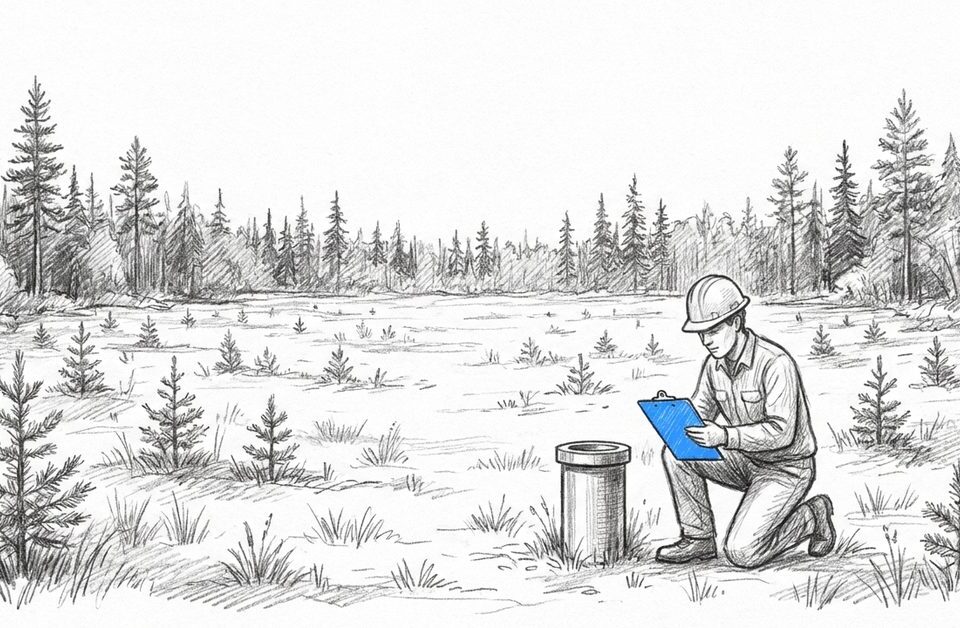
An inspector walks a lease, finds three problems and writes them up. That part takes an hour. Getting each item fixed by the right person, by the date the regulator set, with a photo to prove it, is the part that slips.
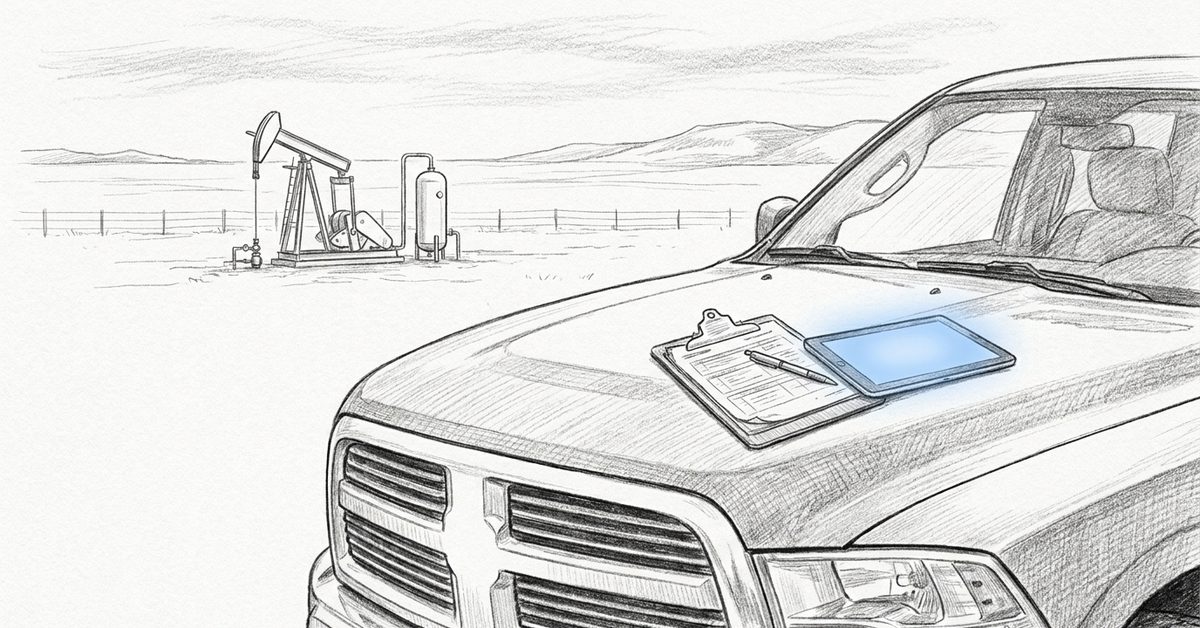
Action tracking software for oil and gas exists for that second part. It turns every finding into an action with an owner, a due date, a status and its evidence, and keeps it on the same site record until someone closes it.
At a Glance
- Every inspection finding, audit item, regulator notice and closure task becomes an assigned action that stays open until someone closes it with proof
- Regulators set many of the deadlines: a BCER non-compliance notice carries a Required Correction Date, and high-risk items must be corrected within 24 hours
- Spreadsheets and email record the finding but lose the owner, the reminder and the proof, and the status leaves with whoever kept the file
- Project tools schedule planned work and EHS suites run facility safety programs. Action tracking covers the follow-ups field findings create, across operators, consultants and contractors
- Earthmaster's clients assign the firm tasks directly in Fieldshare. It cut client reporting time 70% and took on 20% more projects without adding staff
What Is Action Tracking Software for Oil and Gas?
Action tracking software for oil and gas records every follow-up a site generates, from a failed inspection item to a regulator’s correction request, as an action with one owner, a due date, a status and attached evidence. It keeps that action on the site or project record it came from until someone closes it with proof.
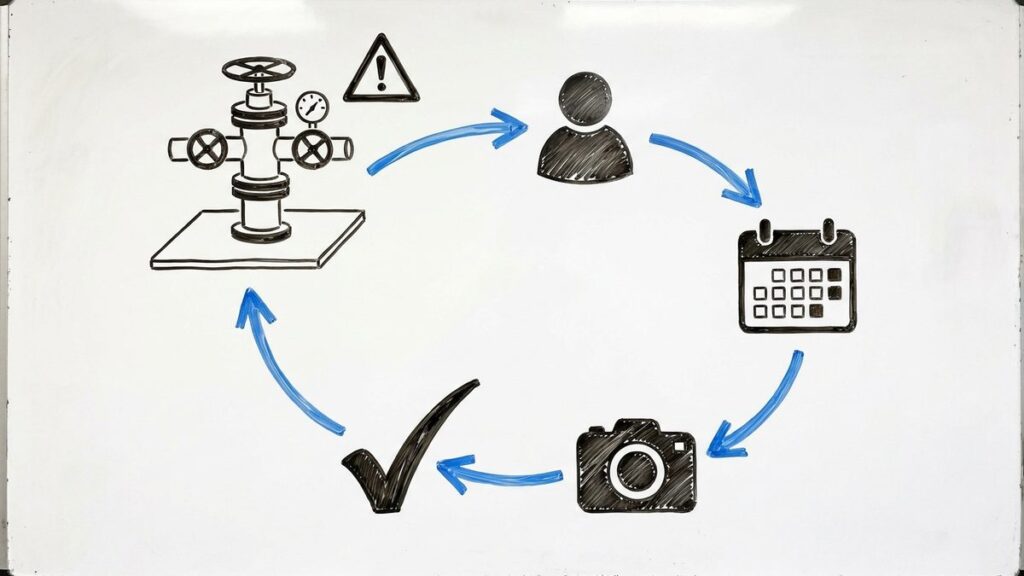
Take a routine lease inspection that turns up three items: a weeping flange on the separator, a faded hazard sign and erosion along the access road. In a notebook those are three lines. As actions they are three assignments: the flange to the maintenance lead by Friday, the sign to the site contractor within two weeks, the erosion to the reclamation consultant before freeze-up. Each carries its own date and status, and each closes only when someone attaches the photo or form that shows the work was done.
Where Do Actions Come From on an Oil and Gas Site?
Actions come from anything that finds a gap between what is on site and what should be there: inspections, audits, regulator notices, incidents, closure work and promises made to landowners. What separates them is who sets the deadline, and in Canada that is often the regulator rather than you.
- Routine field inspections. Deficiencies found on your own lease checks, logged on inspection forms
- Safety audits. Every finding from operator and contractor safety audits needs a corrective action
- BCER inspections. An inspection report that finds non-compliances comes with a non-compliance notice and required correction timelines
- AER notices of noncompliance. The AER asks the company to correct the noncompliance and confirm the correction has been made
- Incidents and near misses. Each investigation ends in follow-ups someone has to own
- Closure work. The abandonment and reclamation program behind your AER mandatory closure spend
- Landowner commitments. Promises made at a surface lease meeting are actions too
When the regulator sets the date
The BCER’s clock is specific. Under its Compliance and Enforcement Manual, the non-compliance notice and the regulator’s CM-IS system both state a Required Correction Date. You correct the item or ask for more time, and extension requests should go in at least one week before the original date, with a reason such as seasonal access or the availability of labour and equipment. High-risk non-compliances must be corrected within 24 hours of notification. A missed date brings an automated overdue notice, and the item can be escalated to the BCER’s enforcement division. Extension decisions also weigh your non-compliance correction history, so how you handled past corrections can shape the answer.
Why Do Actions Fall Through the Cracks in Spreadsheets and Email?
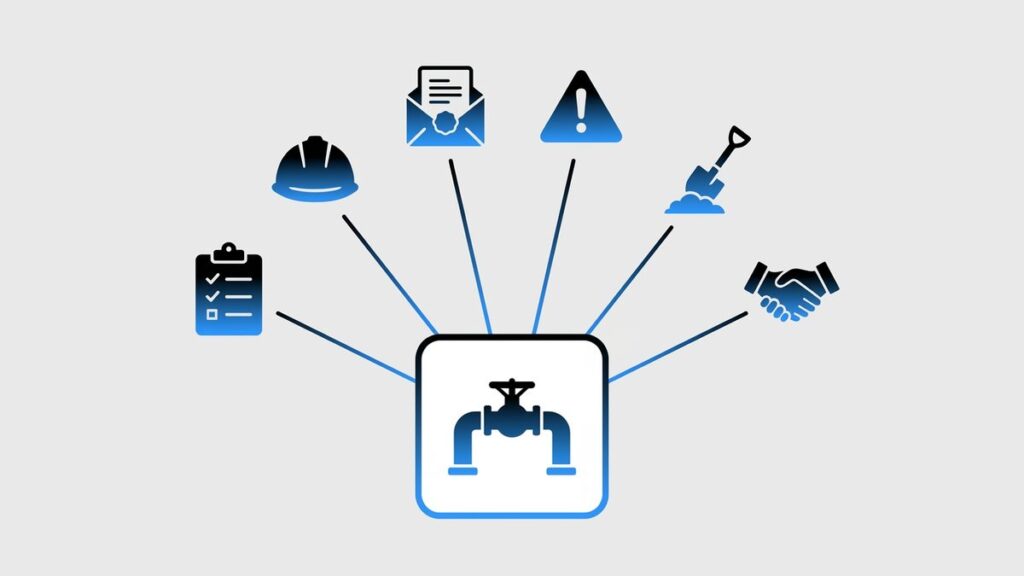
Spreadsheets and email are good at recording a finding and poor at everything after it. Nobody gets reminded, ownership blurs the moment an item is forwarded, the photo proving the fix stays on someone’s phone, and the status lives in whichever file one person happens to keep up to date.
No owner, only a list. A row in a shared sheet says what is wrong, not who has it this week. Forward the email to a contractor and the action now lives in two inboxes.
No reminder. A date in a cell does nothing on the day it passes. Too often the first alert is the regulator’s overdue notice.
Proof in the wrong place. The fix is done, the photo is on the foreman’s phone, and on audit day someone rebuilds the evidence from text messages.
Status that walks out the door. Robin Weseen, then VP of Operations at Summit Earth, described the firm’s Excel years plainly: “You might end up getting a site to its rec certification a full year later because information was lost when a project manager left.” Once every project’s history and status lived in Fieldshare, Summit Earth onboarded new project managers three times faster.
Where an action lives
Tracking action items in Excel works for one site and one person. It breaks where oil and gas work actually happens: many sites, several companies, and a regulator asking for dates.
Spreadsheet and email | Action tracking software | |
|---|---|---|
Owner | A name in a cell, often a whole team | One assignee per action, staff or contractor |
Due date | A date nobody is reminded about | Automatic notifications for deadlines and assignments |
Evidence | Photos in phones and inboxes | Photos, form entries and files on the same project record |
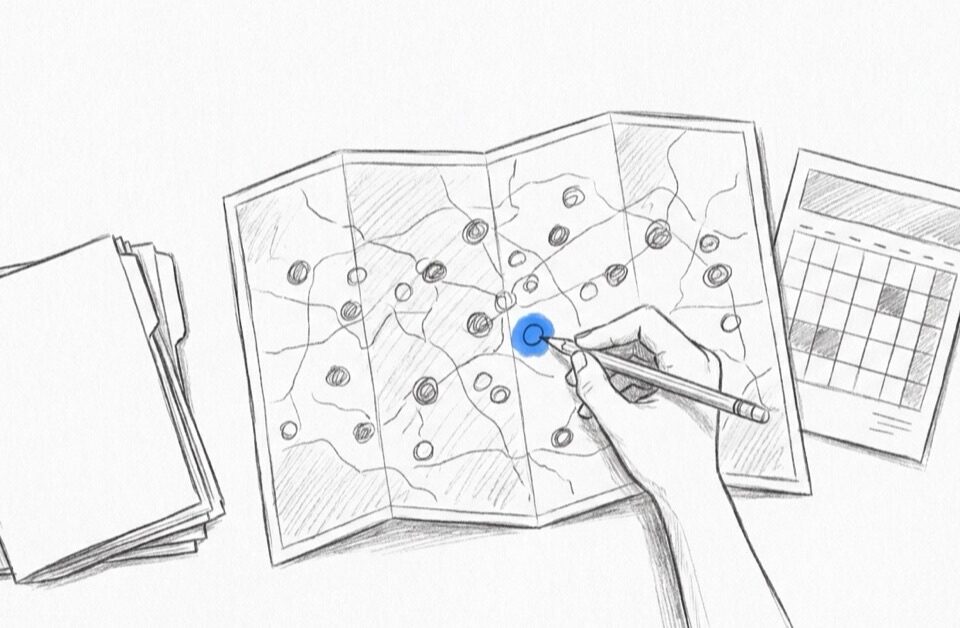
Status across sites | One file per person or per site | One table of every open action, filtered and edited in bulk |
Outside parties | Emailed copies that go stale | Contractors assigned in the same system |
Recurring work | Rebuilt by hand each time | Reusable task sequences, set up once |
Audit day | Reconstructed from email | Filtered from the record, evidence attached |

What Should Action Tracking Software Do for Field Teams?
It should put every action in front of the person who owns it, remind them before the date passes, hold the proof on the same record as the finding, and show managers every open item across sites in one view. Field capture and repeatable action sets matter as much as the dashboard does.
- Assignment beyond your own crew. Actions often land with a contractor or consultant, so you need to assign tasks to staff and contractors alike
- Reminders tied to the deadline. Automatic notifications for deadlines and assignments, so the owner hears about a date before the regulator does
- Evidence on the record. Photos, form entries and files kept with the site or project the finding came from
- Field capture without signal. A mobile app that captures forms and photos with GPS coordinates and timestamps offline, then syncs when the crew is back in coverage
- One portfolio view. A portfolio status table of every open action across sites that you can filter and edit in bulk
- Repeatable action sets. Recurring work, like a quarterly inspection round, built once as Task Groups and reused on every site
- Handoffs without chasing. When one step is marked complete, the next person is notified automatically
What it should not promise is compliance. Software cannot make a site compliant; it makes your follow-through visible. On the HSE compliance side of Fieldshare, that means corrective actions tracked to completion.
How Is Action Tracking Different from Project Management and EHS Software?
Project management tools plan work you choose to do. Enterprise EHS suites run safety programs, typically built around fixed facilities. Action tracking holds the follow-ups that findings force on you. For field operations spread across many sites and companies, the deciding questions are where an action starts and who can close it.
Generic project management tools | Enterprise EHS suites | Field-data platform with action tracking | |
|---|---|---|---|
Built for | Planned projects and schedules | Safety programs at plants and fixed facilities | Field work across many sites |
Where an action starts | A task created in the office | An incident or audit record | The inspection, form or site record it came from |
Who works it | Internal team members | EHS staff and supervisors | Staff, contractors and consultants |
Where the evidence lives | Attachments on a task card | The EHS module’s own records | The same site or project record as the finding |
Fit for mid-size operators and their consultants | Quick to start; nothing ties a task to a well or lease | Broad, usually a large rollout | Sized for field crews and the firms they hire |
If your actions mostly come from meetings and internal plans, a project tool may be enough, and our guide to oil and gas project management covers that ground. If they come from incidents at one large facility, an EHS suite fits. Many upstream follow-ups start somewhere else: an inspection at a remote lease, a regulator’s notice, a consultant’s site visit. Those need the action tied to the site, the person and the proof. For the reporting side of the job, see our guide to oil and gas regulatory compliance software.
How Do Operators and Consultants Share Actions Without Email?
They work the same action in the same system. The operator assigns it, the consultant or contractor is notified, does the work and closes it with the evidence attached, and the operator sees it completed without waiting for a status email. Earthmaster Environmental Strategies, a remediation firm, works this way with its clients.
Kent Cryer, Earthmaster’s remediation manager, used to go through dozens of spreadsheets by hand and pull information out of email attachments to send to clients. Now the loop runs inside Fieldshare: “The client can assign me a task in Fieldshare, I get notified and get it done, and when it’s complete they get updated. That process makes it so much easier to share information back and forth.”
Field evidence lands in the same place: when a client asked for photos of some work, the crew uploaded them to Fieldshare, where they stay with the project. The results, from the Earthmaster Environmental Strategies case study:
- 70% less time spent on client reporting
- A further 30% saved on consultant data input
- 20% more projects taken on without adding staff
- Full productivity within two weeks, after about half an hour of training
On audit day, that means filtering a site’s closed actions instead of rebuilding them from inboxes. The correction date is on each one, and so is the photo.
See it with your own follow-ups. Book a demo to walk through tasks, deadlines and field evidence in Fieldshare.
Frequently Asked Questions
A corrective action fixes a problem that has already been found, like replacing a leaking gasket. A preventive action stops it coming back, like shortening the inspection interval on that equipment. Regulators ask about both: under Manual 013, an AER notice of noncompliance may request a description of the cause and of the measures being considered to prevent further noncompliance.
Yes, for a handful of items at one site with one person keeping the file. It stops working once actions spread across sites and companies, because a spreadsheet reminds nobody, holds no proof that the fix happened, and only shows the status its last editor typed in.
Whoever does the work: your own staff, contractors and consultants. In Fieldshare you assign tasks to staff and contractors and control the automatic notifications for deadlines and assignments, so the person doing the work gets the reminder directly. How outside users are set up depends on your plan.
It gives you dates and proof. For each finding you can show who owned it, when it was due, when it closed and the photo or form behind it. The BCER asks permit holders to report corrections through CM-IS within the correction timelines, and the AER requests written confirmation once a correctable noncompliance is fixed. Tracking does not replace those submissions. It makes them quick to prepare.
Fieldshare is typically fully running two to six weeks after the demo. Earthmaster reached full productivity within two weeks, after about half an hour of training for its consultants.
Four kinds: spreadsheets and email, generic project management tools, enterprise EHS suites, and field-data platforms that tie each action to a site and its records. Which fits depends on where your actions start; follow-ups from field inspections and regulator notices need the site, the owner and the evidence together.