Environmental Data Management Software for Consultants
Environmental consulting runs on data. Soil samples, groundwater readings, site assessment observations, chain of custody records, laboratory submissions. Every project produces dozens of data points across multiple locations, and every one of those points has to be traceable, defensible, and formatted to meet provincial regulatory standards before the report goes out the door.
Most consultants are managing this with a mix of spreadsheets, shared drives, and project management tools that were built for entirely different industries. The result is familiar: hours spent reformatting data for regulatory templates, sample records scattered across personal laptops, and reports assembled the night before submission from six different file versions.
Environmental data management software built specifically for consulting work fixes these problems at the source. This guide covers where generic tools fall short, what purpose-built software does differently, and what to evaluate when you are comparing options.
At a Glance
- Environmental consulting produces structured, regulated data that generic project management tools cannot enforce or validate
- Sample tracking is where generic tools break down first because spreadsheets cannot maintain chain of custody across complex monitoring events
- Purpose-built software structures data at the point of collection, so reporting draws from a clean source rather than a cleaned-up source
- CCME guideline comparison, provincial reporting templates, and audit trails all require connected data workflows, not connected file folders
- The transition works best when new projects start on the new system while active projects continue in the existing workflow
Why Does Environmental Consulting Have Unique Data Requirements?
Environmental consulting produces structured, regulated data that generic project management tools were never designed to handle. A firm might be running a Phase II ESA on a former industrial site in Alberta, a groundwater monitoring program on a pipeline right-of-way in BC, and a remediation progress assessment for a municipal client in Saskatchewan, all at the same time. Each project has its own regulatory requirements, its own chain of custody standards, and its own reporting format.
Generic project management tools handle task assignment and deadlines reasonably well. They were not built to track a sample identifier from collection through transport, laboratory submission, and results receipt. They do not know what a CCME guideline exceedance looks like or how to flag one automatically. They cannot generate a site assessment report formatted to provincial standards. They store files. They do not connect data.
That distinction matters because consulting liability is tied directly to data integrity. A chain of custody gap, a transcription error in a sample result, or a missed exceedance in a remediation report are not administrative problems. They are professional and regulatory exposure, and the cost of one of them is much higher than the cost of any software comparison.
Where Does Sample Tracking Break Down?
Sample tracking is where generic tools fail first. A single groundwater monitoring event at a mid-size site can involve twenty monitoring wells, each with duplicate samples, field blanks, and trip blanks submitted to two different laboratories on different turnaround schedules. Tracking all of that in a spreadsheet means manual entry, manual cross-referencing, and manual reconciliation when lab results come back.
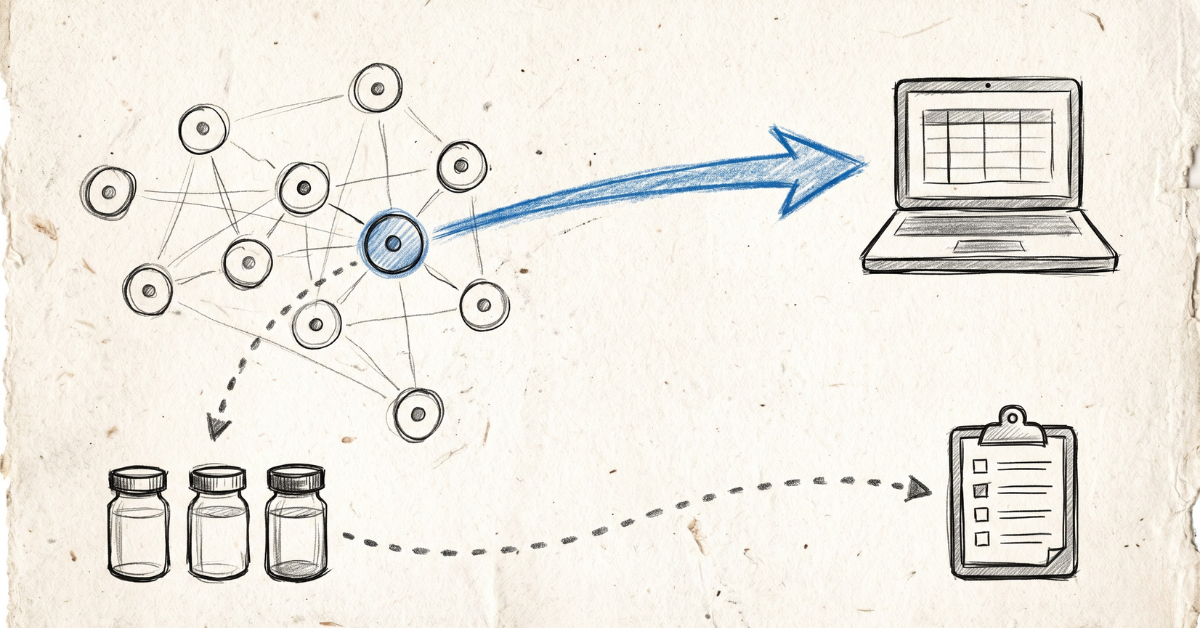
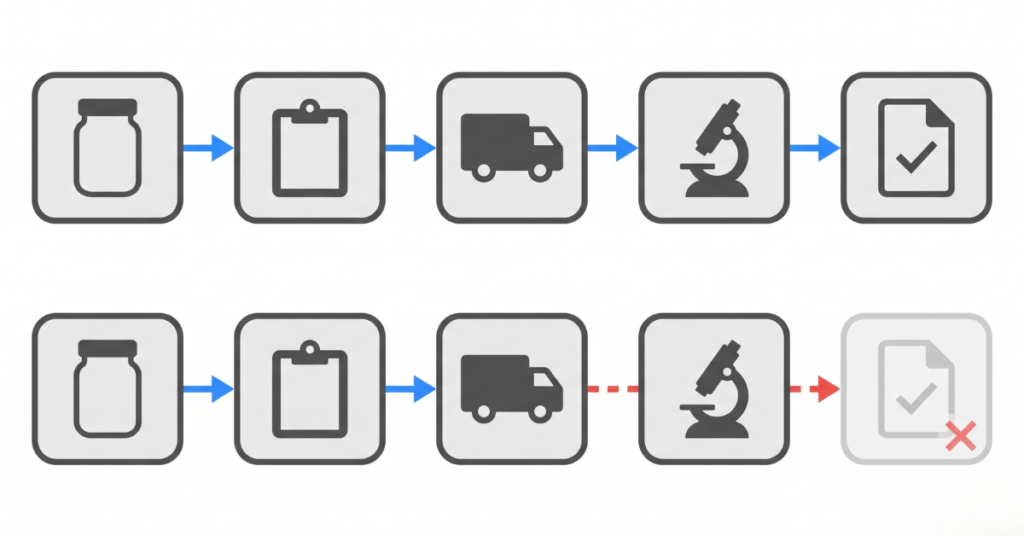
Purpose-built environmental data management software assigns unique identifiers at the point of collection. It tracks custody through every step, from collection to transport to laboratory submission to results receipt. Missing or overdue results get flagged automatically. The sample record does not need to be reconstructed at report time because it has been building itself continuously since the sample was pulled.
The difference is not convenience. It is defensibility. When a regulator or a legal proceeding requires chain of custody evidence, reconstructing a sample history from spreadsheets and emails takes days. With purpose-built software, the complete custody record is available immediately because the software is the custody document. The same principle applies to safety audit documentation where traceability is equally non-negotiable.
Why Is Site Assessment Reporting So Time-Intensive?
Phase I and Phase II Environmental Site Assessments follow structured reporting formats that vary by province, by client, and sometimes by funding source. Alberta Environment and Protected Areas has specific requirements for site assessment documentation. BC operates under the Environmental Management Act with its own site registry and reporting standards. Federal projects may trigger additional layers on top of provincial requirements.
The bottleneck is not the analysis. It is the assembly. Assembling a site assessment report from field notes, laboratory data, and historical records consumes significant consultant time because the source data is scattered, not connected. Purpose-built software changes this because field observations, sample results, and site photographs are already connected and searchable before the reporting phase even begins. The report draws from a structured data set rather than a folder of loosely organized files. The same challenge shows up in oil and gas data management software for operators assembling regulatory submissions across multiple well sites.
How Does CCME Compliance Add Complexity?
The Canadian Council of Ministers of the Environment publishes the Canadian Environmental Quality Guidelines, the national benchmark for soil, sediment, water, and tissue quality. Most provincial regulators reference these guidelines directly, and consultants compare analytical results against CCME tables on almost every project. That comparison needs to be documented accurately every time.
Manual comparison against CCME tables in a spreadsheet is slow and prone to human error. Purpose-built environmental data management software builds guideline comparison into the data workflow, flagging exceedances at the point of data entry and carrying those flags through to the report. When a regulator asks for the basis of a remediation recommendation, the supporting trail is already assembled, not something that needs to be built after the fact.
What Happens When Field Data Stays Disconnected from the Office?
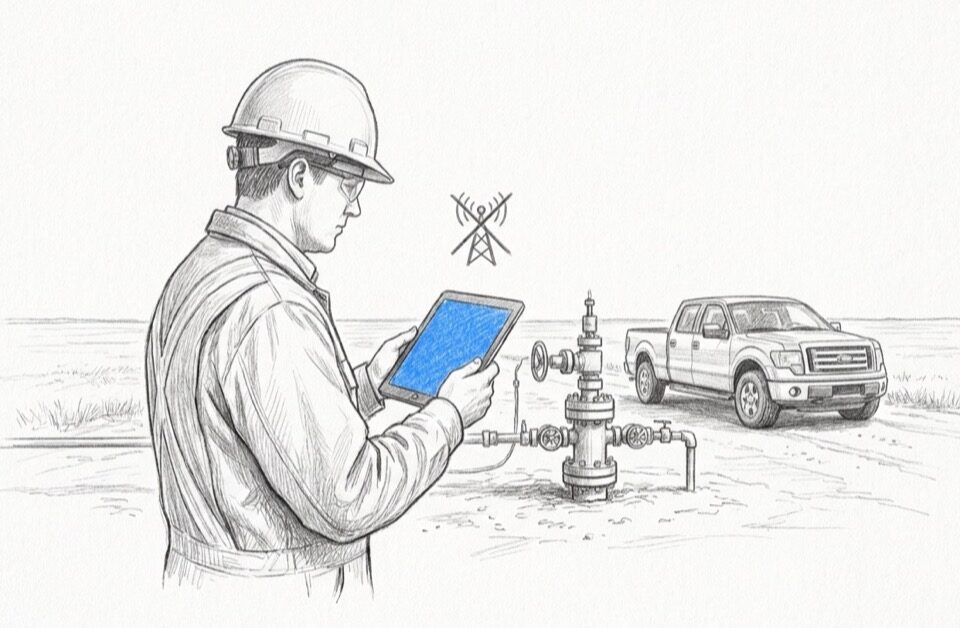
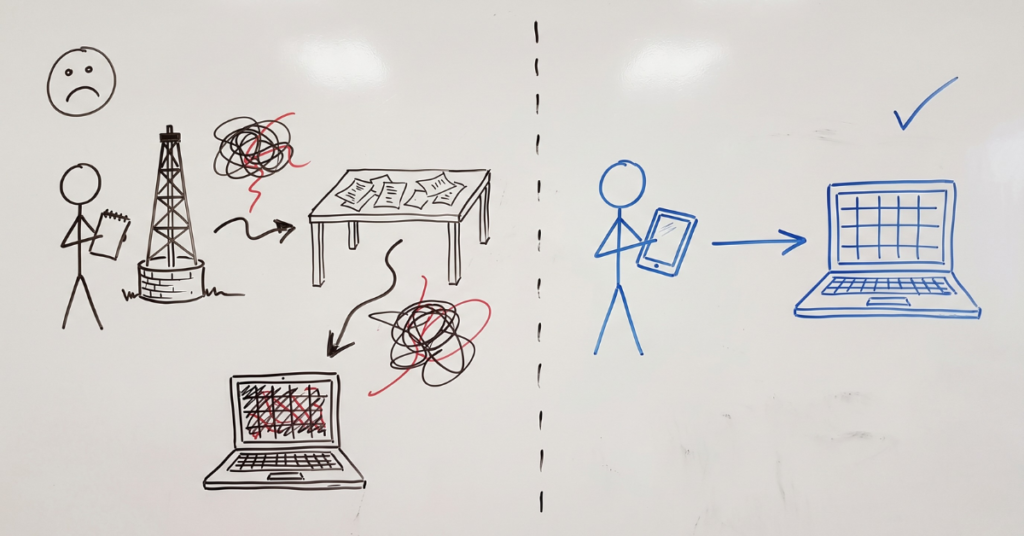
Environmental fieldwork happens at remote sites, in weather that does not cooperate, with connectivity that ranges from unreliable to nonexistent. Field notes taken on paper get transcribed back at the office. Photographs get renamed and organized after the fact. Sample collection records get entered into a spreadsheet by someone who was not on site. Every transcription is an opportunity for error, and every delay between collection and entry is a gap in the record.
Offline data collection that syncs when connectivity is restored removes both problems. Field data entered on a tablet at the sampling location, using the Fieldshare mobile application, is the record, not a copy of a paper note transcribed later. The data is captured once, at the point of origin, in a consistent format. No paper. No transcription. No re-entry.
How Do Generic Tools Compare to Purpose-Built Environmental Software?
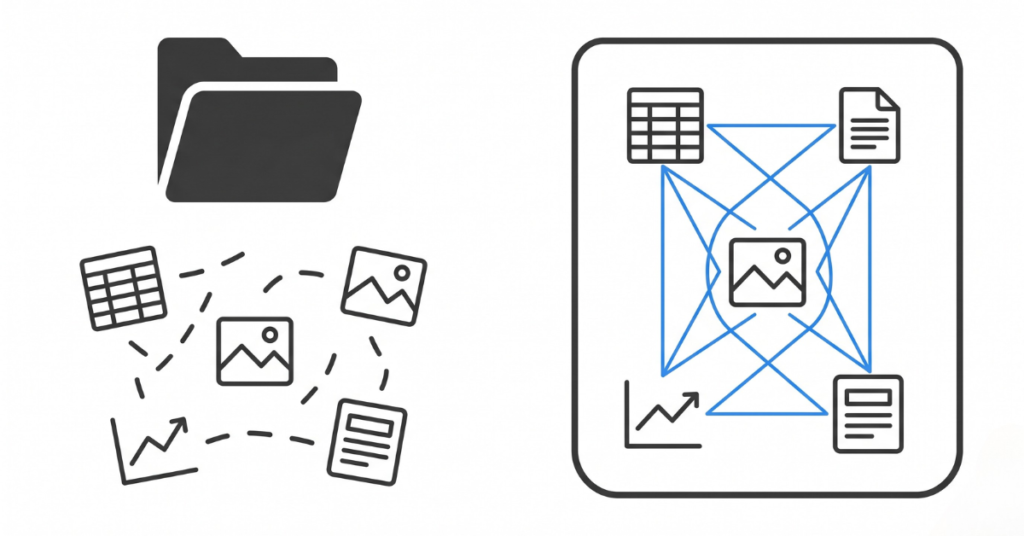
Generic project management tools store files. Purpose-built environmental data management software connects data. The gap between the two is structural, and it shows up in every workflow where data has to be validated, traced, or reported. Here is how the two categories compare across the capabilities that matter most for environmental consulting.
Capability | Generic PM Tool | Purpose-Built Environmental Software |
|---|---|---|
Sample tracking with chain of custody | Not supported. Files stored manually | Built-in. Unique IDs assigned at collection, custody tracked automatically |
CCME guideline comparison | Manual. Consultant compares against tables in a separate document | Automated. Exceedances flagged at data entry, carried through to report |
Provincial reporting templates | Not available. Reports built from scratch each time | Pre-mapped. Data collected in formats that align with provincial output requirements |
Field data validation | No validation. Any value accepted in any field | Required fields enforced at entry. Missing data flagged before submission |
Offline field collection | Limited or none. Requires connectivity for cloud-based tools | Full offline capability. Data syncs automatically when connectivity returns |
Cross-project visibility | Manual. Each project tracked in its own file or workspace | Dashboard view across all active projects. Overdue items and approaching deadlines surfaced automatically |
Audit trail | Partial. File version history only | Complete. Every entry, edit, and status change logged with user and timestamp |
What Does Purpose-Built Environmental Data Management Software Do Differently?
Purpose-built software structures data from the moment it is created, so reporting and regulatory submission draw from a clean source rather than a cleaned-up source. Here is what that looks like across four core capabilities.
Structured Entry from the First Input
Every field observation, sample record, and laboratory result enters the system in a defined format. Required fields are enforced at entry. Identifiers follow a consistent convention. Collection forms replace paper tickets and ad-hoc spreadsheets with standardized input that validates as you go. The data does not need to be reformatted later because it was collected in the right shape from the start.
Automatic Chain of Custody
From sample collection through laboratory submission and results receipt, the custody record updates automatically based on system actions. You do not maintain a parallel custody document because the software is the custody document. When a regulator or a legal proceeding requires chain of custody evidence, it is available in full without reconstruction.
Regulatory Template Alignment
Provincial templates for site assessment reporting and remediation documentation follow predictable structures. Purpose-built software maps collected data to those structures, cutting the reformatting work that eats consultant hours before every submission. The data was collected in a format that fits the output requirement, not in a format that needs to be translated into it.
Cross-Project Visibility for Principals
Consulting principals overseeing multiple active files need portfolio visibility without drilling into each project individually. Purpose-built software surfaces overdue sample submissions, pending laboratory results, and approaching regulatory deadlines across the full project list. Problems surface before they become missed deadlines. The Arletta Environmental case study shows what this looks like in practice for a firm managing over 500 active projects through a single platform.
What Are the Signs Your Current System Is Holding You Back?
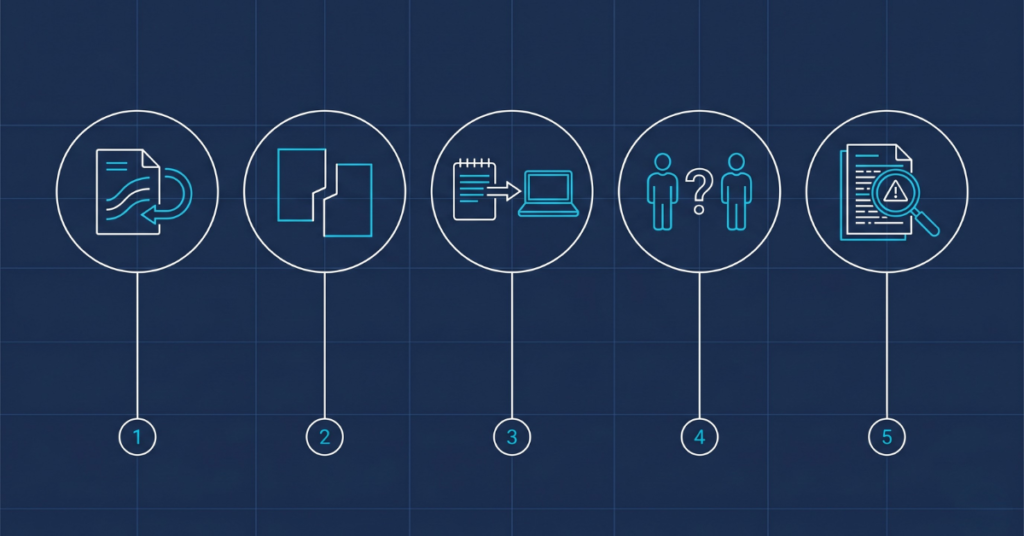
Five patterns consistently signal that a consulting firm has outgrown its current data management approach. If three or more describe your workflow, the cost of staying with the existing system is higher than the cost of switching.
- You spend significant time reformatting data before every report submission. The data exists, but it is not in the shape the output requires. You are doing translation work, not analysis work.
- Sample records are split across multiple files or locations. Pulling a complete sample history for a site means opening and reconciling several documents that may or may not be current.
- Field data entry happens in the office, not in the field. Notes collected on paper are transcribed later, introducing both a delay and a transcription risk. Replacing spreadsheets with field software removes that gap entirely.
- Project handoffs require extensive briefing. If a colleague needs to pick up a file, the system does not explain itself. The structure lives in one person’s head, not in the tool.
- You are uncertain about data completeness before a regulatory submission. The process involves checking rather than confirming, hoping rather than knowing. Compliance trails and audit documentation should answer that question before the question gets asked.
How Do You Make the Transition Without Disrupting Active Projects?
Switching data management systems mid-project is not practical, and you should not attempt it. The approach that works is starting new projects on the new system while continuing active projects in the existing workflow. Historical data does not need to be migrated immediately, and usually should not be.
Pick the project type that generates the most administrative burden. For most consulting firms, that is either multi-event monitoring programs with high sample volumes or Phase II assessments with complex reporting requirements. Starting with the highest-friction project type proves value quickly and builds team familiarity before rolling out across the full portfolio.
Field crew adoption makes or breaks the rollout. Software that adds steps to field collection will be worked around. Software that makes field collection faster and removes the transcription step will be embraced. Evaluate tools with field crews present, not just in office demonstrations. The person using it in a rainstorm on a Phase II site has the opinion that matters.
How Does Data Quality Affect Your Consulting Liability?
Every recommendation your firm signs carries professional and regulatory weight that depends directly on the data behind it. A remediation sign-off, a risk assessment conclusion, a site closure report: the defensibility of each one lives or dies with the quality of the underlying data management.
Generic tools introduce structural ambiguity. Purpose-built environmental data management software removes it. The data is collected in a defined format, tracked through a documented chain, compared against recognized guidelines, and assembled into regulatory-ready reports from a single source. For consulting firms managing field data across multiple active project sites, that is not a convenience. It is a professional standard, and increasingly it is a client requirement.
Ready to see how environmental data management software handles sample tracking, CCME comparison, and regulatory template output from a single system? Visit our environmental services page or book a Fieldshare demo and we will walk your team through the workflows that matter for your current project mix.
Frequently Asked Questions
Environmental data management software is a platform built specifically for environmental consulting workflows. It handles sample tracking with chain of custody, laboratory results management, CCME guideline comparison, site assessment reporting, and regulatory template generation from a single connected system. Unlike generic project management tools, it enforces data structure at the point of collection and connects field observations to laboratory results automatically.
Generic project management tools store files and manage tasks. Environmental data management software connects data points across the full project lifecycle. It validates entries at collection, maintains chain of custody records automatically, flags regulatory exceedances, and maps data to provincial reporting templates. The difference is structural: generic tools track documents, while purpose-built tools track the data inside them.
The five capabilities that matter most are: chain of custody tracking from collection through laboratory results, automated CCME or provincial guideline comparison, offline field data collection that syncs when connectivity returns, provincial reporting template alignment, and cross-project visibility for principals managing multiple active files. Any tool that cannot handle offline data capture is not built for Canadian fieldwork.
Yes. Purpose-built platforms like Fieldshare include offline data collection that lets field crews capture data on a tablet at the sampling location, even with no cell service or Wi-Fi. Data syncs automatically when connectivity is restored. This eliminates the paper-to-office transcription step and the errors that come with it.
Start new projects on the new system while continuing active projects in your existing workflow. Pick the project type with the highest administrative burden, typically multi-event monitoring programs or complex Phase II assessments, and pilot the new tool there first. Historical data migration is not required immediately and should wait until the team is comfortable with the new system.
Purpose-built software builds Canadian Environmental Quality Guidelines comparison directly into the data entry workflow. Analytical results are compared against CCME tables automatically, exceedances are flagged at the point of entry, and those flags carry through to the final report. This replaces the manual comparison step that consultants typically perform in spreadsheets, reducing both the time required and the risk of a missed exceedance.