Oil and Gas Project Management: How to Streamline Without Enterprise Software
If you manage upstream operations in Canada, you are juggling multiple well sites with concurrent work, field crews that need direction, compliance deadlines that do not care about your staffing situation, and budgets that always seem tighter than planned. The traditional answer has been enterprise project management software. One platform, everything integrated, from drilling programs through abandonment.
The problem is that enterprise platforms are built for companies with full IT departments, implementation budgets in the hundreds of thousands, and timelines measured in years. For operators managing 50 to 500 wells, that is a mismatch. Oil and gas project management does not have to mean enterprise software and enterprise costs.
This guide covers where enterprise tools fail smaller operators, what you actually need, and how Canadian producers are getting project management under control with right-sized solutions.
Why Enterprise Software Fails Mid-Size Operators
Enterprise project management platforms offer everything: resource planning, portfolio management, advanced analytics, and integrations with dozens of other enterprise tools. The problem is not capability. It is fit.
Implementation drags on for months. Typical enterprise deployments take 12 to 18 months before operators see real value. During that period, training pulls people away from actual work for weeks at a time. Meanwhile, the operational challenges that prompted the purchase continue unaddressed.
Complexity drives people back to spreadsheets. When the system is too cumbersome for daily use, teams create workarounds. Shadow spreadsheets appear. Field supervisors track their work in personal notebooks. Project managers maintain parallel trackers that never sync with the enterprise platform. A Hexagon industry survey found that 69% of oil and gas leaders say manual processes strongly affect their ability to meet performance goals. Enterprise software that creates more manual workarounds defeats its own purpose.
You pay for features you never touch. Enterprise licensing fees keep climbing for capabilities your team will never use. Portfolio-level optimization tools designed for operators with 5,000 wells are irrelevant to a company managing 200. You end up bending your processes to fit the software instead of the other way around.
Changes require IT tickets. Need to add a field, modify a workflow, or create a new template? That is an IT ticket and a multi-week wait. By the time the change arrives, the operational need has already passed. Operators who are still tracking critical data in spreadsheets often cite this rigidity as the reason they never fully adopted the enterprise tool they purchased.
What Oil and Gas Project Management Actually Requires
Before evaluating solutions, step back and identify what you need to run operations effectively. For upstream Canadian operators, it comes down to four requirements.
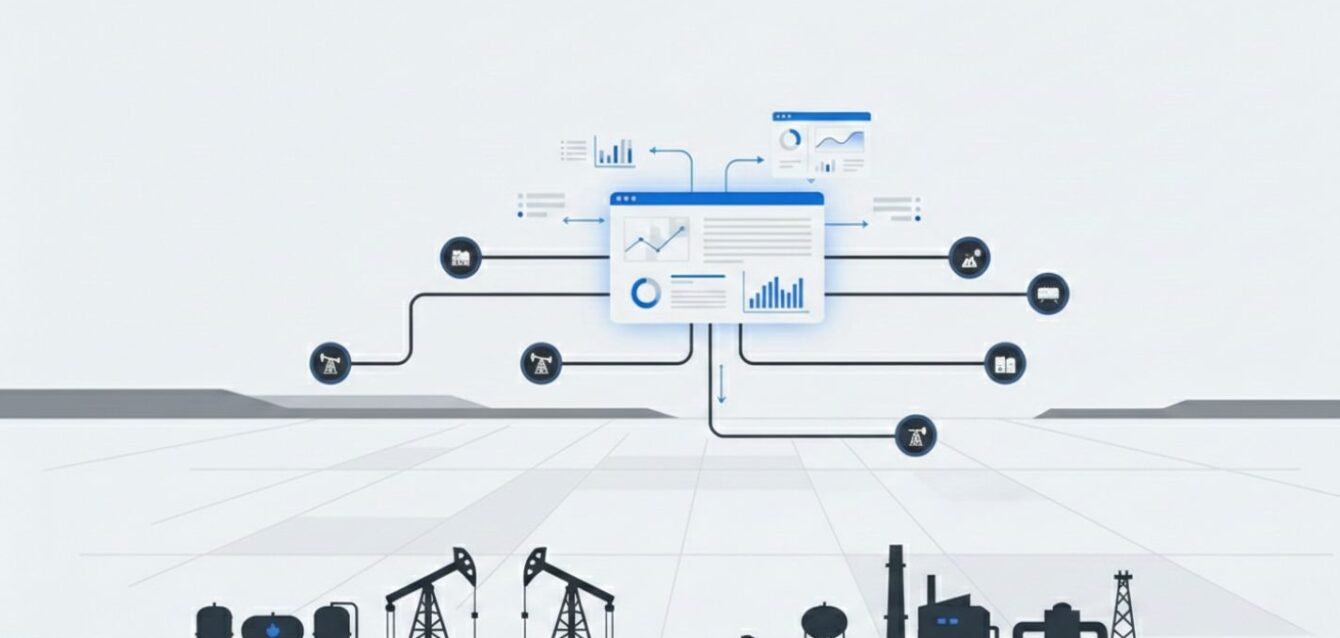
Project visibility across all wells. You need to see what is happening across your operations without digging for it. Which wells have active work? What stage is each project at? What is coming up next week? What is already overdue? This visibility should not require running reports or logging into three different systems. One screen, current status, accessible to everyone from field supervisors to executives.
Coordination between field and office. Oil and gas projects live in two worlds. Work orders go out to field crews. Completion reports come back to the office. When that flow breaks down, and it often does, projects go sideways. Information about completed work, site conditions, and unexpected problems needs to move between field and office in real time, not days later.
Compliance built into project workflows. If you operate in Canada, you are dealing with the AER, the BC Energy Regulator, provincial ministries, and whatever else applies to your jurisdiction. The AER’s recent Directive 088 overhaul replaced the entire liability management framework most operators built their processes around. Compliance milestones, including permits, inspections, and reporting deadlines, should be integrated into project workflows, not tracked in a separate system that runs alongside your project management.
Cost control with accountability. Every project has a budget. Tracking actual spend against estimates, catching overruns before they compound, and maintaining accountability for expenditures should not require hours of manual reconciliation. When capital spending is declining, with Enserva projecting a 5.6% drop in 2025 and a further 2.2% in 2026, cost visibility is not optional.
Five Strategies That Work for Canadian Operators
These are not theoretical best practices. They are approaches that operators managing real well portfolios use to keep projects on track.
- Consolidate project data in one accessible system. If project information is scattered across email threads, shared drives, individual spreadsheets, and someone’s memory, you are already behind. All project details, timelines, documents, permits, and status updates should live in one place. Historical project data should be findable when you need it for planning. Nobody should have to ask “do you have the latest version?” This is the core principle behind effective oil and gas asset management: getting all data organized and accessible to everyone who touches the projects.
- Standardize recurring project workflows. Well maintenance programs, facility upgrades, abandonment projects, and compliance initiatives should each follow a documented workflow with clear stages, required deliverables, and approval checkpoints. Projects get executed consistently regardless of who runs them. New team members can follow established workflows from day one. Checklists prevent things from falling through the cracks. One caution: do not over-engineer this. A simple pump replacement does not need the same workflow as a major facility modification. Build in flexibility based on project scale.
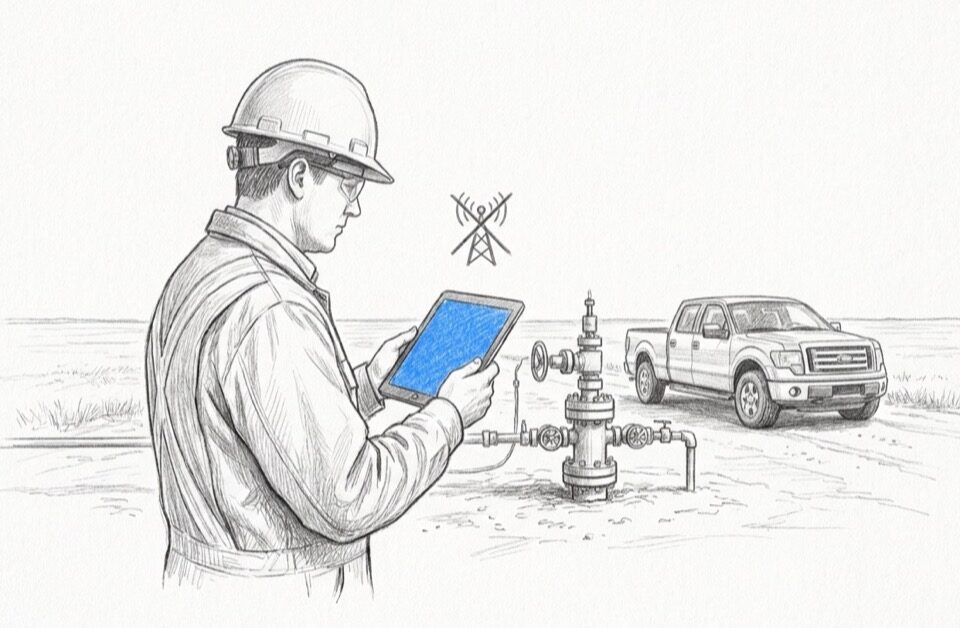
- Enable real-time field updates. This is where most oil and gas project management breaks down. Field crews complete work, but that information does not reach the office for days. In the meantime, project managers are making decisions without current data. Mobile-enabled project management changes this. Status updates come in from the well site as work progresses. Photos document completed work and site conditions in real time. Time and materials get captured at the point of work, not reconstructed from memory later. Offline data collection is critical for Canadian operations, where many well sites have no cellular coverage. Your mobile solution must work offline and sync automatically when crews return to coverage.
- Integrate compliance into project milestones. Compliance should not be a separate tracking exercise. When permits, inspections, and reporting deadlines are built directly into project workflows, compliance becomes part of getting the work done rather than a parallel administrative burden. Starting a project triggers automatic checks for permit requirements. Completing a milestone schedules the required inspections. Project closeout includes regulatory reporting as a required step. Compliance documents link to projects so they are findable during audits. For operators managing safety audit documentation, this integration eliminates the scramble that precedes every regulatory review.
- Build accountability through transparency. When project status, costs, and timelines are visible to everyone involved, accountability happens naturally. Dashboards show project status across the organization. Automatic alerts flag when projects fall behind schedule or run over budget. Clear ownership for every project and every task within projects creates responsibility without micromanagement. The goal is making drift visible early enough to correct it.
What to Look for in a Right-Sized Solution
Enterprise software is not your only option. A growing category of platforms is built specifically for small to mid-size operators.
Configurability over customization. You want a system you can configure to match your workflows without hiring developers. Adding fields, modifying workflows, and creating templates should be things you do yourself, not things that require vendor professional services.
Mobile-first design. Mobile capabilities should not be a stripped-down version of the desktop experience. Field teams need full functionality on the devices they carry, including the ability to work offline. GIS integration that connects spatial data to project records adds another layer of field-to-office connectivity.
Canadian regulatory awareness. Solutions built for the Canadian market already understand AER requirements, provincial variations, and the compliance challenges unique to this jurisdiction. Generic solutions built for the US market need extensive configuration to handle Canadian regulatory realities, including the Directive 088 overhaul, Petrinex submissions, and provincial differences between Alberta, BC, and Saskatchewan.
Scalability without forced complexity. A good solution grows with your operations without forcing you to adopt enterprise-level complexity. Adding more wells, more users, or new project types should not mean implementing new modules or upgrading to a tier with features you will never use.
The Transition Does Not Require a Big Bang
You do not need to change everything at once. The most successful transitions happen incrementally.
Start with one project type. Pick a category that is frequent enough to provide real learning opportunities but not so critical that problems would be catastrophic. Well maintenance programs or routine inspections usually work well as starting points.
Get field input early. Project management systems fail when they are designed by office staff who never asked field crews what they actually need. Field workers know what information matters at the well site. They know what is realistic to capture in remote conditions. Without their input, adoption will always be a struggle.
Expand gradually. Once your initial project type is running smoothly, extend the approach to other categories. Each expansion gets easier because you are building on lessons learned. This incremental approach delivers value faster than trying to transform everything simultaneously.
Jim Gordon, HSE Manager at Whitecap Resources Inc., describes the result: “Fieldshare means quick data input and quick data retrieval. It gives me the tools I need to monitor everything and drive KPIs.” Whitecap achieved a 70% reduction in data management time after moving from fragmented tools to centralized tracking.
The Bottom Line
Good oil and gas project management does not require enterprise software with enterprise costs. It requires visibility into what is happening across your projects, coordination between field and office, compliance built into how you work, and accountability through transparency. The oil and gas industry challenges facing Canadian operators, from tightening capital budgets to the AER’s Directive 088 overhaul, make getting this right more urgent than ever.
The operators who succeed are the ones who solve their real problems with tools that fit their scale, rather than chasing enterprise-level solutions designed for someone else’s operation.
Ready to see how right-sized project management works for Canadian operators? Request a demo to explore how Fieldshare simplifies oil and gas project management from field to office.