Oil & Gas Data Management Software: The Best Excel Alternatives for Canadian Operators
If you manage field operations in oil and gas, environmental consulting, or municipal infrastructure, you already know the problem. Production data lives in one spreadsheet. Maintenance records sit in another. Lab results arrive by email. GIS files are on a shared drive somewhere. Regulatory filings are in a folder that one person understands.
Every time you need a complete picture, you open five applications and start copy-pasting. Data aggregation software exists to eliminate that workflow entirely.
This is not a new category, but the need has intensified. A Hexagon industry survey found that 68% of oil and gas leaders receive delayed or outdated information, 69% say manual processes affect their ability to meet performance goals, and 73% report poor data quality has a severe impact on their business. The oil and gas data management market alone was valued at US$19 billion in 2023 and is projected to reach $60.3 billion by 2030.
The gap between where data originates and where decisions get made is growing. Here is what data aggregation software actually does, where it matters most, and how to evaluate whether your operation needs it.
What Data Aggregation Software Actually Does
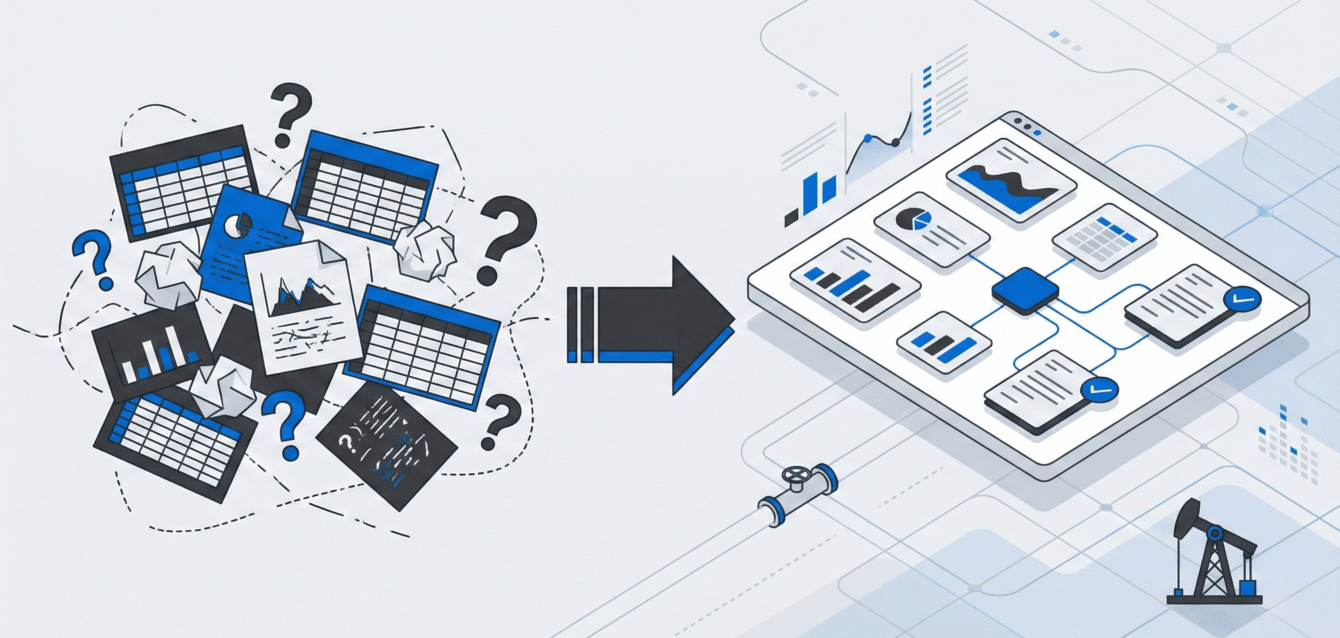
Data aggregation software is a centralized platform that pulls information from multiple sources into one searchable, reportable system. Instead of requiring every person and every department to use the same tool, it sits on top of existing workflows and connects them.
It replaces the copy-paste layer. In most field operations, data moves between systems through manual transfer. A field inspector records observations on a tablet, emails them to the office, and someone re-enters the data into a tracking spreadsheet. A lab sends sample results as a PDF, and someone manually transfers the values into a project file. Each transfer is a chance for errors, delays, and lost records. Our guide to oil and gas workflow management shows how teams remove that re-entry step by step.
Data aggregation software eliminates these intermediate steps. Field data, GIS coordinates, and project records flow into one system without manual re-entry, with lab reports filed alongside them.
It creates a single source of truth. When data lives in multiple places, nobody trusts any single version. Teams waste time figuring out which spreadsheet is current. Managers cannot confidently report numbers because they know the underlying data might be stale. A centralized system means one database, one version, always current.
It makes data findable. The most common complaint from field operations managers is not that data does not exist. It is that finding it requires detective work. When aggregated data is searchable by project, site, date, personnel, or any other relevant parameter, the time between question and answer shrinks from hours to seconds.
Where Data Silos Cause the Most Damage
Data silos are not just an inconvenience. They create measurable operational and financial costs that compound over time.
Reporting becomes a full-time job. When assembling a monthly safety report or quarterly compliance submission requires pulling data from four systems, cross-referencing email threads, and reconciling conflicting numbers, reporting consumes time that should go to analysis and action. Teams using disconnected systems report spending up to 70% more time on reporting compared to teams with centralized platforms.
Errors multiply across transfers. Research by Ray Panko at the University of Hawaii found that 88% of spreadsheets contain errors, with mistakes occurring in roughly 1 out of every 20 cells. Every time data moves between systems through manual entry, the error rate compounds. In safety documentation, environmental compliance records, or financial reporting, those errors have consequences.
Regulatory compliance becomes risky. AER Directive 088 requires Canadian oil and gas operators to maintain complete documentation and make it available to the regulator on request. Provincial environmental frameworks demand audit trails for sample data, chain of custody records, and remediation tracking. When documentation is scattered across disconnected systems, producing complete records under regulatory scrutiny requires scrambling through files and hoping nothing is missing.
Knowledge walks out the door. When only one person understands the file structure, naming conventions, and which spreadsheet is the “real” one, that person becomes a single point of failure. If they go on vacation, switch roles, or leave the company, the system effectively collapses. Data aggregation removes this dependency by making information accessible regardless of who originally entered it.
How It Works in Practice: Three Industry Examples
Data aggregation plays out differently depending on the industry. Here is what it looks like for the three verticals where fragmented field data creates the most friction.
Oil and gas operations. A mid-size Canadian operator manages 200 wells across Alberta and Saskatchewan. Production data comes from SCADA systems. Maintenance records are tracked in spreadsheets by field supervisors. Regulatory filings go through a separate compliance platform. ARO liabilities are modeled in Excel. Safety inspections are documented on paper forms.
With data aggregation software, all of these data streams feed into one platform. The operations manager can pull up a single well and see its production history, maintenance log, compliance status, and ARO estimate in one view. Monthly reporting that previously took three days of assembly now takes an afternoon. The oil and gas industry challenges that compound when data is fragmented become manageable when everything connects.
Environmental consulting. A consulting firm manages site assessments across 15 client projects. Field technicians collect soil and water samples at remote locations. Lab results arrive from three different laboratories. GIS data sits in a separate mapping platform. Chain of custody documentation lives in project folders on a shared drive.
Data aggregation connects these sources so project managers can track sampling status, review lab reports, and generate compliance reports from one system. Environmental data tracking that previously required manual reconciliation across four platforms happens automatically. The firm reduces reporting time and catches data gaps before they become audit findings.
Municipal infrastructure. A small city’s public works department tracks roads, bridges, water lines, and storm drains. Inspection records are in one system. Capital planning budgets are in another. Work orders come through a third platform. Citizen complaints arrive by phone and email.
Aggregating these sources gives the department a complete view of each asset: its condition, maintenance history, planned work, and budget allocation. When council asks for a status update on infrastructure spending, the answer comes from live data instead of a manually assembled presentation.
Features That Matter When Evaluating Platforms
Not every data aggregation tool fits field operations. Enterprise platforms designed for corporate IT often miss the realities of field-based work. When evaluating options, focus on these capabilities.
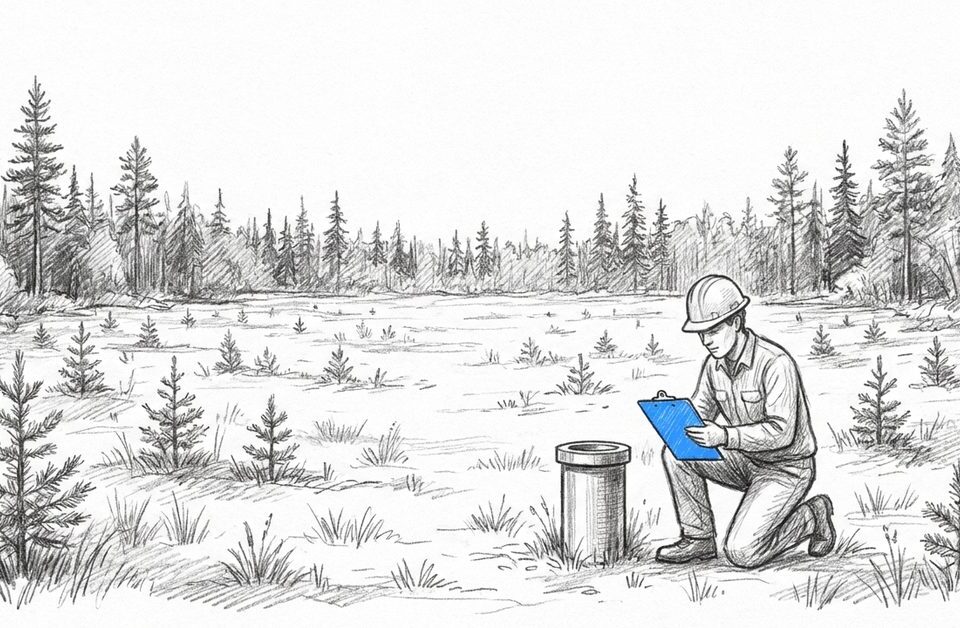
Offline functionality. Field crews collect data at well sites, remote monitoring locations, and rural infrastructure with no internet. If the aggregation platform requires constant connectivity, your field data will continue arriving late. Look for systems with offline data collection that syncs automatically when connectivity returns. We wrote up how offline field data capture works at a remote well site, including the three ways sync fails.
Mobile-first data entry. Field workers need to enter data on tablets and phones, not desktop computers. The platform should support mobile forms with photo capture, GPS tagging, and signature fields. If data entry in the field feels clunky, your crews will revert to paper and the aggregation breaks down.
GIS integration. Field operations are inherently spatial. Wells have coordinates. Environmental sample locations are mapped. Infrastructure assets have geographic positions. Aggregation software that includes GIS mapping or integrates with existing GIS platforms eliminates the separate step of cross-referencing location data.
Flexible data structures. Your data types are specific to your operation. Oil and gas operators track different parameters than environmental consultants or municipal public works departments. The platform should adapt to your workflows, not force you into a rigid template designed for a different industry.
Automated reporting. The point of aggregating data is to make reporting faster and more reliable. Look for platforms that generate compliance reports, project summaries, and operational dashboards from live data rather than requiring manual exports and assembly.
The Transition: What Actually Changes Day to Day
Moving from fragmented systems to aggregated data does not require a complete operational overhaul. The practical changes are straightforward.
Data entry happens once. Field crews enter observations, inspection results, or sample records into the platform at the point of collection. That record flows to every team member and report that needs it. No more emailing spreadsheets. No more re-entering the same data in three places.
Finding information takes seconds, not hours. Instead of asking a colleague which folder has the latest version, or digging through email attachments, you search the platform. Filter by project, site, date range, or any other parameter. The answer is immediate.
Reports build themselves. Monthly summaries, regulatory submissions, and project updates pull from live data. The assembly step disappears. You spend time reviewing and analyzing instead of compiling and formatting.
Handoffs become seamless. When a project moves to a new manager, or a field supervisor rotates to a different region, all project data stays in the platform. The new person has full context from day one. No knowledge transfer meetings. No inherited spreadsheet chaos.
Jim Gordon, HSE Manager at Whitecap Resources Inc., describes the shift: “Fieldshare means quick data input and quick data retrieval. It gives me the tools I need to monitor everything and drive KPIs.” Whitecap achieved a 70% reduction in data management time after moving to a centralized platform.
Do You Need Data Aggregation Software?
Not every operation is ready for this transition. But if any of these sound familiar, your current approach is costing you.
- You spend more time assembling reports than analyzing them.
- Different people give different answers when asked for the same data point.
- Field data arrives days after it was collected.
- You worry about what will happen when your “spreadsheet person” leaves.
- Preparing for a regulatory audit feels like an emergency.
These are not workflow preferences. They are operational risks that compound with every new well, project, or compliance requirement.
Ready to see how data aggregation works for field operations? Request a demo to explore how Fieldshare centralizes field data from crews, labs, and systems into one platform. If you want the wider picture first, see how it works as oil and gas asset management software.